
Authenticated data products
Currently, InsightIQ offers its SDK and API under four distinct product names. These are based on a specific type/category of data that you need access to.
Coverage
Connect

"Connect" is the core SDK product for all InsightIQ’s offerings, using which you enable creators to connect their work platform accounts with InsightIQ, which uses this information to get creators’ data to supply to you. This is a combination of a few APIs (grouped under Connect APIs), out of which you would be most frequently using the create an SDK token API, and the Connect SDK.
Identity

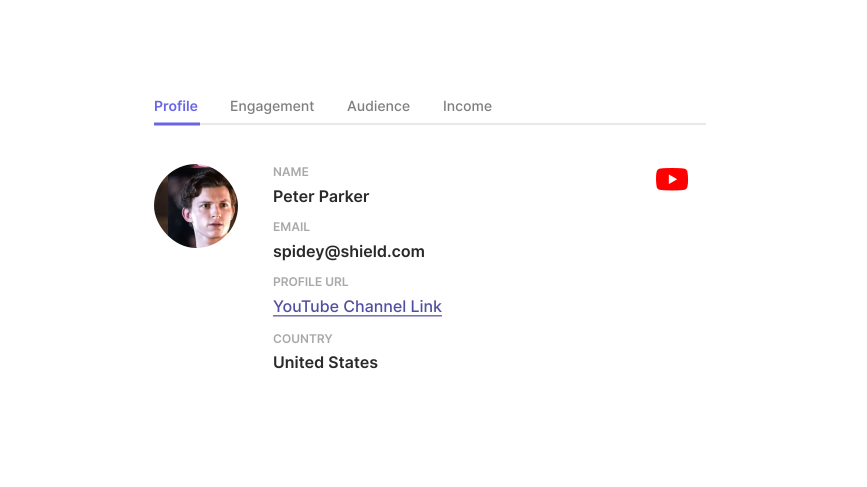
"Identity" is a InsightIQ product offering using which you can get access to a creator’s profile information. Such information might include name, username, permanent link to the profile, email, phone number, date of birth, etc., and much more (or sometimes much lesser) depending on the info different work platforms provide. The Identity APIs can be found here.
InsightIQ Identity APIs enable the verification of creator accounts across different work platforms. In addition to verifying account ownership, the APIs also provide profile reputation information, including subscribers, followers, and other metrics.
Integrating with Identity APIs
To get started, you would need to specify IDENTITY as one of the products when creating the SDK token. This token would then be used to initialize the Connect SDK and the creator would go ahead and connect their account. Then once the account connection is successful, you can use the profiles API to fetch the profile information about the connected creator account.
The Identity APIs return the profile data for the lifetime of a creator's profile once an account is connected, following which the APIs refresh this data daily.
We currently support Identity for the following platforms.
Platform | Mode |
|---|---|
YouTube | Production, Staging |
Production, Staging | |
Tiktok | Production, Staging |
Production, Staging | |
Twitch | Production, Staging |
Production, Staging | |
Substack | Production, Staging |
Coming soon | |
Discord | Coming soon |
Coming soon | |
Patreon | Coming soon |
Coming soon |
Audience

"Audience" is a InsightIQ subproduct offering under Identity, using which you can get access to the demographics information for a creator’s audience. Such information might include country, city, age & gender distribution, etc., and much more (or much lesser) depending on the info different work platforms provide. The Audience APIs can be found here.
InsightIQ Audience APIs enable access to demographic data of a creator's lifetime audience on a work platform. You can use the APIs to fetch audience data, including country, city, age & gender distribution, etc.
Integrating with Audience APIs
To get started, you would need to specify IDENTITY.AUDIENCE as one of the products when creating the SDK token. This token would then be used to initialize the Connect SDK and the creator would go ahead and connect their account. Then once the account connection is successful, you can use the audience APIs to fetch the creator's audience demographics information across different content on a work platform.
The Audience APIs return the demographics data for the lifetime of a creator's profile once an account is connected, following which the APIs refresh this data once every 7 days.
We currently support Audience for the following platforms.
Platform | Mode |
|---|---|
YouTube | Production, Staging |
Production, Staging | |
TikTok | Production, Staging |
Engagement

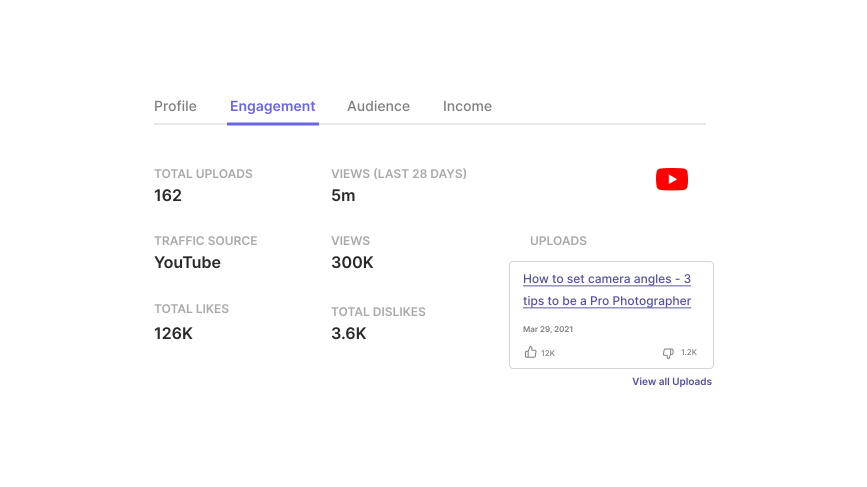
"Engagement" is a InsightIQ product offering using which you can get access to a creator’s content information. Such information might include the actual content, URL to the content, number of likes, number of dislikes, number of comments, number of shares, etc., and much more (or sometimes much lesser) depending on the info different work platforms provide. The Engagement APIs can be found here.
InsightIQ Engagement APIs enable access to content items from a creator profile on a work platform. You can use the APIs to fetch content data, including links, publishing status, and reputation attributes, including likes, impressions, reach, etc.
Integrating with Engagement APIs
To get started, you would need to specify ENGAGEMENT as one of the products when creating the SDK token. This token would then be used to initialize the Connect SDK and the creator would go ahead and connect their account. Then once the account connection is successful, you can use the content and content group APIs to fetch the creator's engagement information across different work products.
The Engagement APIs return the last 90 days of content media by default once an account is connected. The APIs refresh the existing content items daily and fetch new ones (if and when available) for a 90-day rolling window.
To fetch content for a specific time beyond our 90-day window, you can use the refresh content items API and refresh content groups API.
The APIs follow offset-based pagination where a single response will return at max 100 content items.
We currently support Engagement for the following platforms.
Platform | Mode |
|---|---|
YouTube | Production, Staging |
Production, Staging | |
Tiktok | Production, Staging |
Production, Staging | |
Twitch | Production, Staging |
Production, Staging | |
Substack | Production, Staging |
Coming soon | |
Coming soon | |
Patreon | Coming soon |
Coming soon |
Comments

"Comments" is a InsightIQ subproduct offering under Engagement, using which you can get access to the comment information for a creator’s content. Such information might include the actual comment text, username of the commenter, number of likes, number of replies, etc., and much more (or sometimes much lesser) depending on the info different work platforms provide. The Comments APIs can be found here.
InsightIQ Comments APIs enable access to comment items from a creator's content on a work platform. You can use the APIs to fetch comment data, including comment text, publishing status, and engagement attributes, including likes, reply count, etc.
Integrating with Comments APIs
To get started, you would need to specify ENGAGEMENT.AUDIENCE as one of the products when creating the SDK token. This token would then be used to initialize the Connect SDK and the creator would go ahead and connect their account. Then once the account connection is successful, you can use the comments APIs to fetch the creator's comment information across different contents on a work platform.
The Comments APIs return the comment data for the last 90 days of content by default once an account is connected, following which the APIs refresh the existing content items and their comments daily as well as fetch new content items and their comments (if and when available) for a 90-day rolling window.
The APIs follow offset-based pagination where a single response will return at max 100 comment items.
We currently support Comments for the following platforms.
Platform | Mode |
|---|---|
YouTube | Production, Staging |
Production, Staging |
Income

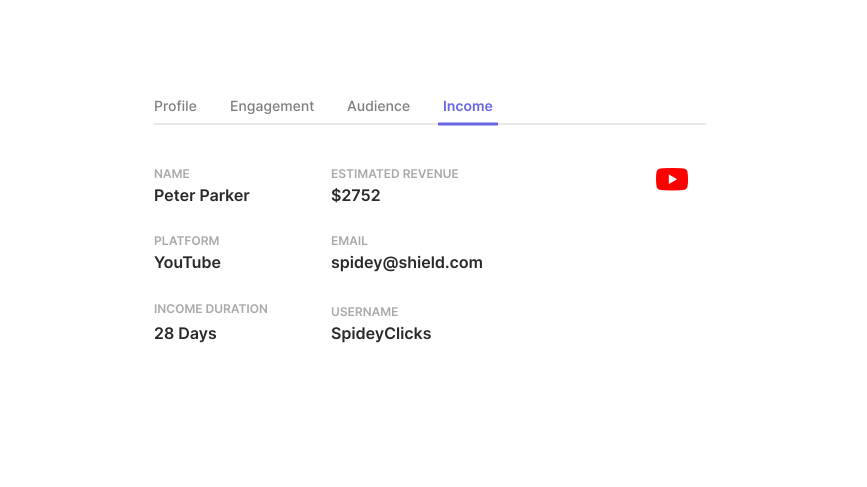
"Income" is a InsightIQ product offering using which you can get access to a creator’s income information. Such information might include the creators’ earnings via the work platform, etc., and much more (or sometimes much lesser) depending on the info different work platforms provide. The Income APIs can be found here.
InsightIQ Income APIs enable fetching creators' earnings from supported work platforms. Income attributes provided include creator payouts on the work platform, subscription earnings, and ad revenue.
Integrating with Income APIs
To get started, you would need to specify INCOME as one of the products when creating the SDK token. This token would then be used to initialize the Connect SDK and the creator would go ahead and connect their account. Then once the account connection is successful, you can use the income API to fetch the income data from the connected creator account.
The Income APIs return the income data for the last 12 months of a creator's profile once an account is connected, following which the APIs refresh this data daily.
We currently support Income for the following platforms.
Platform | Mode |
|---|---|
YouTube | Production, Staging |
Coming soon | |
Twitch | Coming soon |
Stripe | Coming soon |
Etsy | Coming soon |
Shopify | Coming soon |
Activity

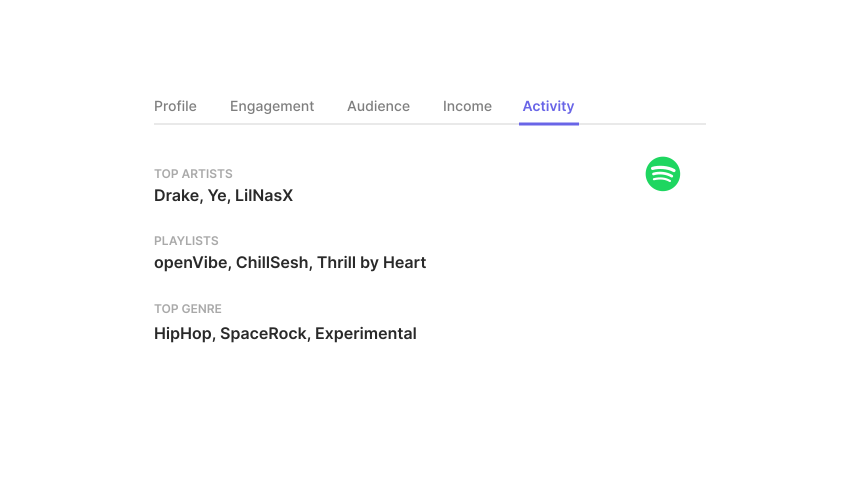
"Activity" is a InsightIQ product offering using which you can get access to a user’s activity on the platform. Such information might include the users’ top played artists, recently played media content, top played media content, etc. via the work platform, and much more (or sometimes much lesser) depending on the info different work platforms provide. The Activity APIs can be found here.
InsightIQ Activity APIs enable fetching users' activity info from supported work platforms. Activity attributes provided include top played artists, recently played media content, top played media content, etc. via the work platform.
Integrating with Activity APIs
To get started, you would need to specify ACTIVITY as one of the products when creating the SDK token. This token would then be used to initialize the Connect SDK and the user would go ahead and connect their account. Then once the account connection is successful, you can use the Activity APIs to fetch the activity data from the connected user account.
The Activity APIs return the activity data for the last 90 days of a user's profile by default once an account is connected, following which the APIs refresh this data as well as fetch new activity data (if and when available) for a 90-day rolling window at the frequency of once every 7 days.
The APIs follow offset-based pagination where a single response will return at max 100 activity items.
We currently support Activity for the following platforms.
Platform | Mode |
|---|---|
Spotify | Production, Staging |
Publish

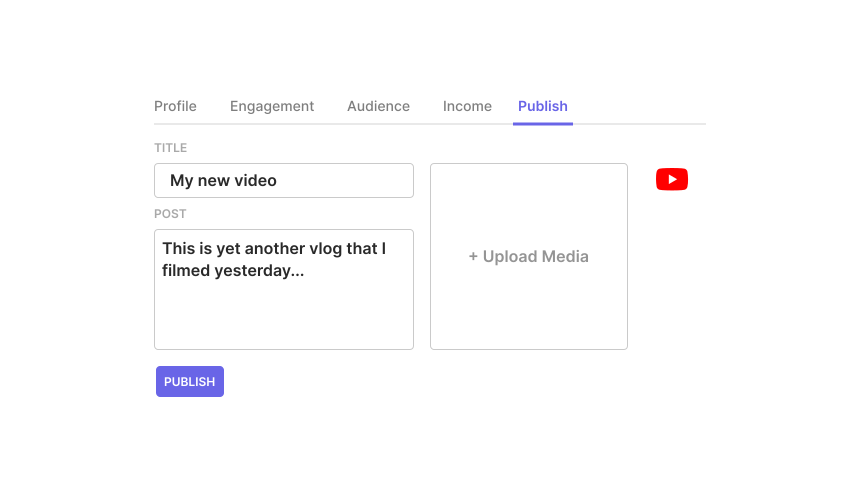
"Publish" is a InsightIQ product offering using which you can publish content to a creator’s account. Such content might include images, videos, text, or a combination of those, depending on the different work platforms' capabilities. The Publish APIs can be found here.
InsightIQ Publish APIs enable publishing new content to creators' accounts on supported work platforms.
Integrating with Publish APIs
To get started, you would need to specify PUBLISH.CONTENT as one of the products when creating the SDK token. This token would then be used to initialize the Connect SDK and the creator would go ahead and connect their account. Then once the account connection is successful, you can use the publish API to publish new content to the connected creator account.
You can follow the detailed publishing content steps here.
We currently support Publish for the following platforms.
Platform | Mode |
|---|---|
YouTube | Coming soon |
TikTok | Production, Staging |
Coming soon | |
Coming soon |